
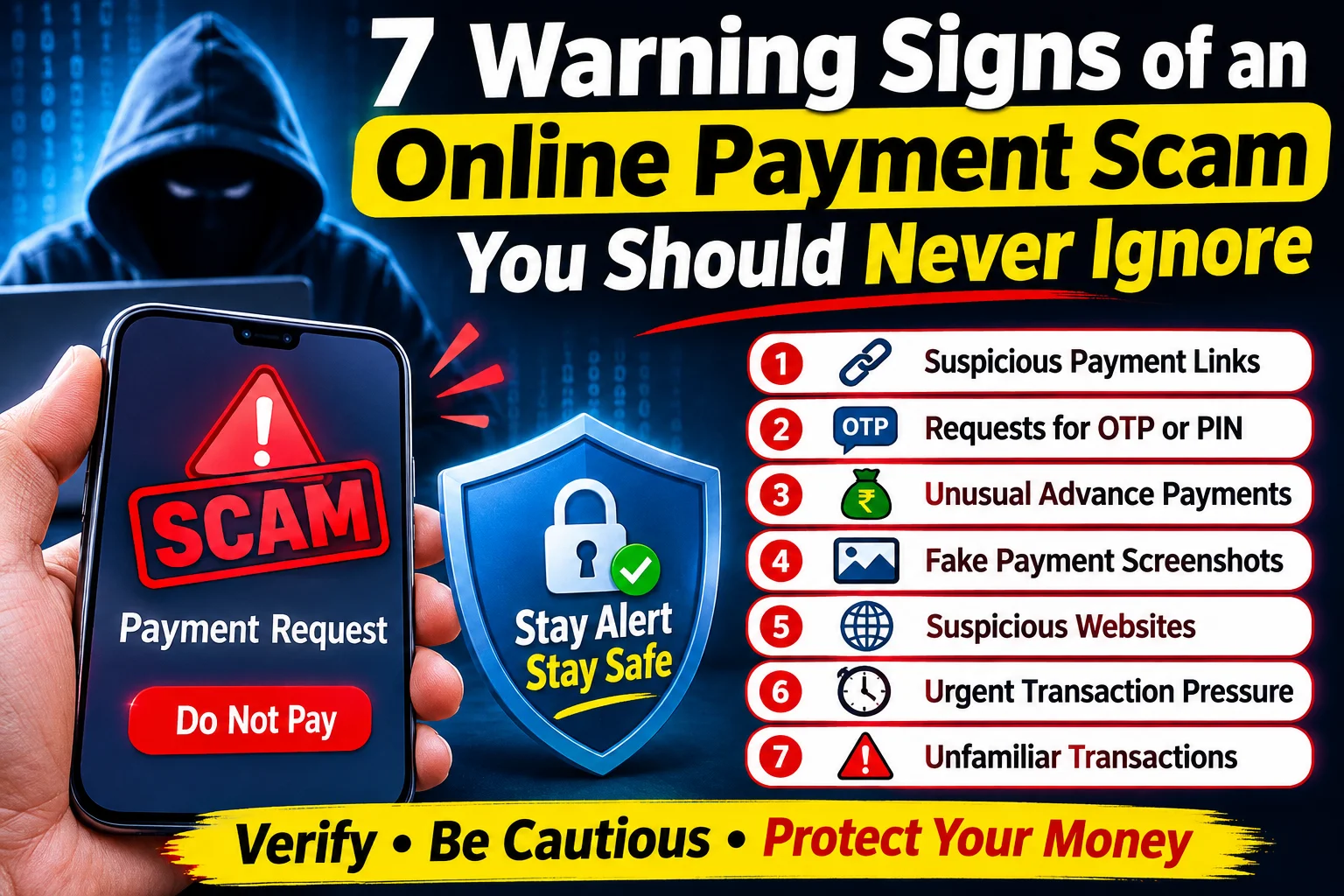
Digital payments have enhanced the convenience of transferring money, e-commerce and finance. But as more people are transacting online there are opportunities for scammers as well. Fraudsters trick people into giving money or confidential information by creating fake websites, links, payment messages or using impersonation methods.
By learning more about some of the common fraud techniques, users can make more informed decisions and safeguard financial information. When you are exploring a website or page that asks for personal or banking information, be sure to check it out, whether you are viewing a site that has an online banking portal or looking for Mahadev Book, or accessing a Mahadev Book Login page.
Here are seven telltale signs of online payment scams, advice on how to avoid them, and what to do if you suspect a financial transaction is fraudulent.
1. Unexpected Payment Links From Unknown Sources
If you receive an SMS, WhatsApp, email, or social media message out of the blue that asks you to click on a link, be wary of it. The message might say that you are required to pay, get a refund, confirm your account, or change your banking details.
Scammers will often set up fake pages that appear to be like a real site. These pages may capture passwords, card numbers and other personal information.
Here are some precautions when opening a payment link:
- Verify the sender’s identity.
- Avoid clicking unfamiliar links.
- Check the complete website address.
- Do not enter banking information on unverified pages.
- Contact the relevant service provider through independently verified channels.
A familiar company name or logo does not prove that a message is genuine.
2. Requests to Share OTP, PIN, or Passwords
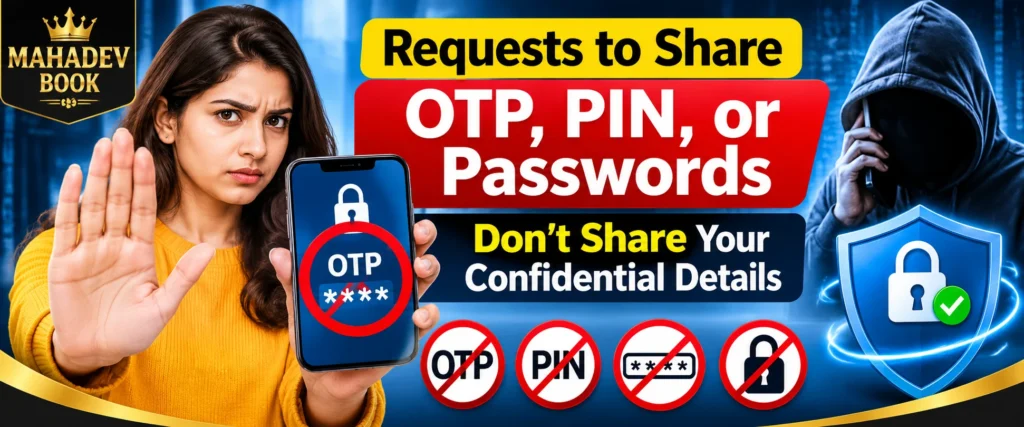
An OTP, UPI PIN, card PIN and banking password is a confidential security detail. Fraudsters might claim to be working for a bank or a customer support representative, and request that individuals provide these information.
They can say that an OTP is necessary to confirm a transaction, to activate an account or to release a refund. These types of requests should be handled with caution.
Please observe the following guidelines:
- Do not give an OTP to anyone else.
- Never share your UPI PIN number.
- Avoid entering your banking password.
- Never enter authentication codes on unfamiliar Web sites.
- Don’t authorize a transaction you didn’t initiate.
When meeting someone who says they are from a service and request private identification information, end the meeting and double check the request.
3. Unusual Requests for Advance Payments
Online fraudsters will offer your a refund, prize, account activation, or withdrawal processing for a further payment.
These can be referred to as a processing fee, security deposit, verification charge or an account unlocking fee. These explanations can result in confusion and lead some to transfer money without verifying.
When making an unexpected payment:
- Ask for a clear explanation of the charge.
- Read the published terms and conditions.
- Verify the request through an independent channel.
- Check the payment recipient carefully.
- Avoid transferring money to unfamiliar personal accounts.
For instance, if someone is looking up Mahadev Book they should not just assume that a payment they didn’t expect is because of the familiar branding. Do check the website and instructions before making any payment.
4. Fake Payment Screenshots and Transaction Receipts
A payment image won’t be enough to verify that the fund has been deposited into a bank account.
Fraudsters can alter screenshots, adjust transaction data or even use a previously made payment confirmation to create the illusion of a successful payment.
Always check the payment status on your own.
Review the following information:
- Your bank account statement.
- The transaction status in your payment application.
- The transaction reference number.
- The amount and recipient information.
- Any confirmation received directly from your payment provider.
If you are using a Mahadev Book Login page or other online service, please do not take screenshots or email messages as confirmation of payment. Review related transaction details on your bank or payment provider.
5. Websites With Suspicious Domains or Poor Transparency
Often fake sites mimic well-known brands and online services. They can have the same names, logos and designs appearing almost identical to the real websites.
Check out the website thoroughly before you submit your personal or financial data.
Important checks include:
- Whether the domain matches independently verified information.
- Whether contact details are clearly available.
- Whether a privacy policy is provided.
- Whether payment conditions are explained.
- Whether unexpected redirects appear.
- Whether the website makes unrealistic financial promises.
HTTPS is helpful because it allows the connection between the Web browser and the Web site to be encrypted. But it does not constitute a genuine or trusted web site.
In addition to checking out Mahadev Book App information, users should also check out the source and publisher of the app before trusting an unknown download page.
6. Pressure to Complete a Transaction Immediately
One of the tricks that scammers use is to make it urgent so that people don’t take the time to look at the information properly.
Messages may be sent to you including:
- Your account will be blocked shortly.
- Your payment must be completed immediately.
- Your refund will expire today.
- Your account requires urgent verification.
- You must transfer money to avoid a penalty.
These messages are meant to have people do something without thinking.
Take time to check any requests to ensure protection. Don’t make financial decisions under pressure or threats from an unknown person.
If the message appears to be from a bank or service provider, contact the organisation independently by phone or via an official website.
7. Unfamiliar Transactions or Unexpected Account Activity
Another red flag is if you recognize the transaction is foreign to you. This could be when someone you don’t know is getting paid, money is going out unexpectedly, frequent payments are made, or an account set-up notification that you didn’t expect.
Don’t overlook suspicious financial activity.
If you see something that you do not recognize:
- Contact your bank or payment provider immediately.
- Ask them to secure the affected payment method.
- Block or disable affected cards where necessary.
- Change compromised passwords.
- Review recent account activity.
- Save transaction IDs and relevant messages.
- Report suspected financial cyber fraud promptly.
Users should also keep their Mahadev Book ID and other online account details confidential by not revealing their passwords and verification codes.
Common Online Payment Scams and Their Warning Signs
The following table summarises common fraud methods and the precautions users should consider.
| Scam Type | Warning Sign | Safety Precaution |
|---|---|---|
| Fake payment link | Unexpected message containing a link | Verify the sender and website |
| OTP fraud | Request for an authentication code | Never share OTPs |
| Advance-fee scam | Unexpected charge to release money | Verify the fee independently |
| Fake receipt | Screenshot without matching bank confirmation | Check actual transaction status |
| Fake website | Similar branding or suspicious domain | Verify the complete website address |
| Urgent payment scam | Threats or pressure to act immediately | Pause and verify the request |
| Unauthorised transaction | Unknown debit or account activity | Contact your bank immediately |
How to Protect Your Digital Payments
While it is important to be able to recognise scams, it is also vital to form safe payment habits that will help keep financial scams at bay.
Use Trusted Payment Applications
Use trusted distribution channels for payment applications. Before installing, review the developer information and permissions requested.
Do not open or download any APK files and apps from unsolicited messages.
Protect Your Banking Information
Never share passwords, card information, PINs or OTPs. Practice strong password creation and don’t use the same password for multiple services!
Verify Every Payment Request
When transferring money, verify the name of the recipient, amount and for what purpose the money is being sent. Do not scan QR codes that you do not recognize, even if someone requests you to do so in order to get a refund or a prize.
Keep Transaction Records
Keep transaction records and bank confirmations. These records form part of the information that may be helpful to report any suspicious activity or report payment disputes.
Check Applications and Account Access
Always independently check publishers, sources and permissions requested prior to the installation of a Mahadev Book App or other application. Do not use unknown links for APK downloads and never turn off security settings to install an unknown app.
What to Do If You Have Already Been Scammed
If you suspect that you have lost money through an online payment scam, act immediately.
- Contact your bank or payment provider.
- Report the transaction and request assistance.
- Preserve payment references, messages, phone numbers, and screenshots.
- Change passwords if account details were exposed.
- Secure compromised cards or payment methods.
- Report the incident through India’s official cybercrime reporting channels.
Provide accurate transaction details and follow the instructions of your bank and the relevant authorities.
Frequently Asked Questions
1. What is the most common warning sign of an online payment scam?
Common warning indicators include unexpected payment links, request for OTPs, unsuspecting payment instructions, and pressure to send money.
2. Can someone steal money using an OTP?
If a fraudster is able to share an OTP, he or she can complete some authentication or transaction. Don’t give other people your OTP.
3. How can I identify a fake payment screenshot?
Avoid using screenshots as the sole source of information. Verify the transaction directly at the payment application or bank to make sure of the reference number.
4. Is HTTPS enough to prove that a payment website is genuine?
No, HTTPS only secures the connection, it does not establish a website’s identity, honesty or legal status.
5. What should I do if money is debited without my permission?
Notify your bank right away, let them know if you’ve noticed any unauthorised withdrawals or payments, protect your payment methods and notify authorities if you suspect cyber financial fraud.
6. Where can I report online payment fraud in India?
The suspected cyber financial fraud can be reported at cybercrime.gov.in or 1930. Contact your bank as soon as possible as well.
7. How can I protect my Mahadev Book account information?
Check the website independently, use a different password, don’t click on unknown links, and do not give out OTPs, PINs or passwords. Any page or app branded as Mahadev Book Login or Mahadev Book App should not be automatically deemed to be authentic.
Conclusion
Any person who banks online, uses a payment app, or accesses the Internet is vulnerable to online payment scams. The red flags to watch for are fake links, requests for OTPs, advance payment demands, fake receipts and strange websites.
The most important thing to remember is to confirm all payments, not give out any personal details and go directly to your bank or payment service provider to check the transactions.
Do not take a website, login page or application as a legitimate website just because it appears professional when researching Mahadev Book. Check the Internet site independently and be aware of legal and financial hazards before releasing information.
Be vigilant, take time to confirm requests and report unusual transactions promptly.