
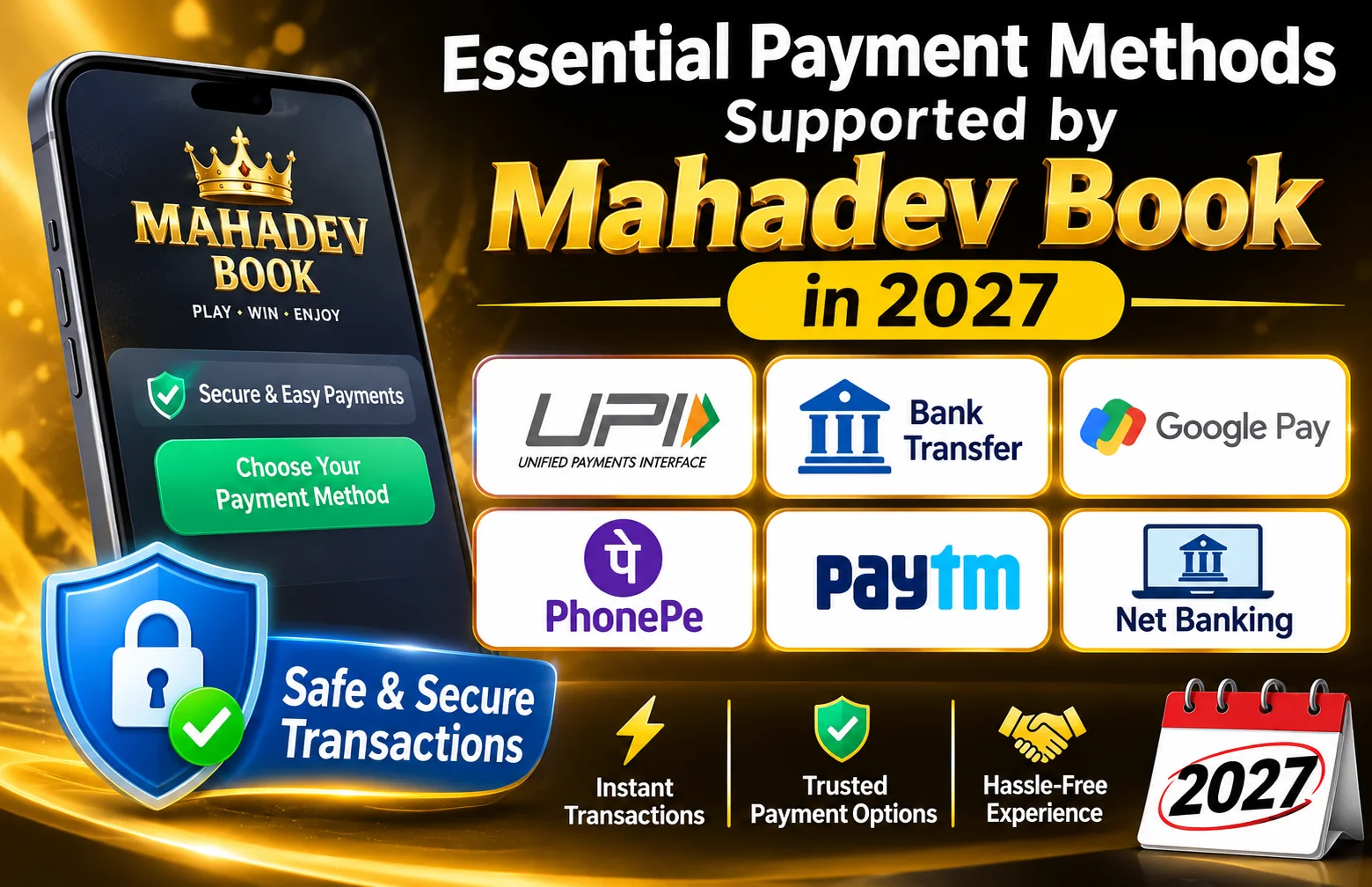
In India, digital payments are an important aspect of online services. Nowadays, online transactions are made using a wide variety of options like UPI apps, bank transfers, mobile payment services, and internet banking. But some platforms have different payment options, payment limits and verification procedures.
For users looking into Mahadev Book payment options in 2027, it’s crucial to familiarize themselves with the various payment methods available and the precautions they should take before proceeding with a transaction.
Information on the website indicates UPI and bank transfers, and a few other pages include mobile payment apps and net banking. It should not be assumed that all methods will be available for all users based on this information. Please read and verify all the payment details and applicable terms on your own before payment.
Understanding Digital Payment Methods in India
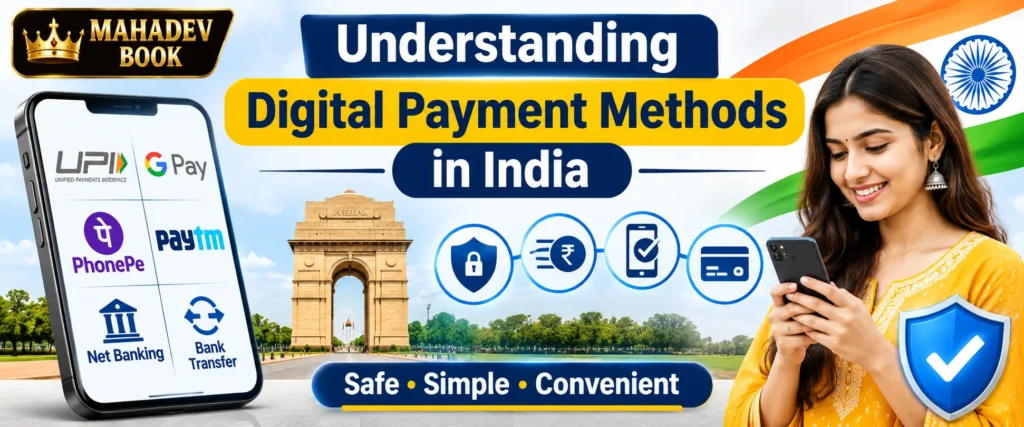
India has several digital payment systems that allow individuals and businesses to complete transactions electronically. Each method has its own process, limits, security features, and transaction requirements.
Common payment categories include:
- Unified Payments Interface (UPI)
- Bank transfers
- Debit and credit cards
- Digital wallets
- Internet banking
These services are used for lawful transactions, subject to the rules of banks, payment providers, and applicable regulations.
The availability of these payment options does not mean that every online platform can legally accept payments through them. Always verify the purpose and legal status of a transaction before proceeding.
1. UPI Payments
Unified Payments Interface (UPI) is a popular digital payment system in India. It lets the users move money from an account to another account of a bank provider supported by the payment app.
There is some information in Mahadev Book ID to the website which talks about UPI as a payment option. But it’s important users check if UPI is available at present before making a transaction.
The following are important UPI safety checks:
- Verify the recipient’s name and payment details.
- Check the amount before approving a transaction.
- Never share your UPI PIN or OTP.
- Do not approve unexpected collect requests.
- Save the transaction reference for future records.
Remember that entering a UPI PIN authorises a payment. Never enter it to receive money.
2. Bank Transfers
Bank transfers enable funds to be transferred in between bank accounts. The systems like IMPS, NEFT or RTGS may be used for transfer depending on the participating banks and services offered.
Bank transfers are mentioned in some of the payment details related to Mahadev Book App. Please check with current payment instructions for the exact transfer methods and availability.
Check before making a bank transfer:
- The recipient’s account details.
- The account holder’s name.
- The amount being transferred.
- Applicable bank charges.
- The transaction reference number.
- Whether the payment instructions are current.
Avoid logging in to an account provided via an unverified message or from an unknown party.
3. Google Pay
Google Pay is a mobile wallet app for making UPI payments in India. Eligible bank accounts can be linked and payment made through UPI services supported by the users.
On some third party Mahadev Book information pages, Google Pay is mentioned as one of the choices that one may be given when making a payment. This does not, however, imply that it will be available for every account or transaction.
If there’s a Google Pay or UPI option on the payment page, make sure to check the information before paying.
Do not provide your Google Pay pin, OTP or banking password to anyone.
4. PhonePe
PhonePe is another popular digital payment app in India. Depending upon the eligibility and account of the user, it facilitates UPI payments and other financial services.
PhonePe also features on some third-party websites, which are talking about Mahadev Book payments. The availability of these should not be assumed and should be checked on a case-by-case basis.
You should always check the validity of the payment request sent by PhonePe before accepting it:
- Confirm the recipient’s details.
- Check the transaction amount.
- Review the payment request carefully.
- Avoid unknown collect requests.
- Keep the transaction reference.
A payment application’s familiar branding does not prove that the recipient or website is genuine.
5. Paytm
Paytm offers digital payment services such as UPI and various financial services. The services offered may be subject to status, banking terms and conditions.
There are some information pages on Mahadev by which Paytm is mentioned as a possible payment option. Users should check if this is shown on the screen and if it is available.
Never share your Paytm password, OTP or UPI PIN with anyone. If you’re getting a payment request that you didn’t expect, then check it out before you give in to it.
6. Net Banking
Net banking is a service that lets the customers use banking services via the internet by logging on to the bank’s website or application.
There are some online payment information pages that talk about net banking as an alternative. Availability, however, will depend on the payment provider and the transaction arrangements that are in place.
For more secure online banking:
- Access your bank through its verified website or application.
- Check the amount and beneficiary before confirming.
- Avoid banking through public computers.
- Never share login credentials or OTPs.
- Log out after completing a transaction.
- Keep transaction confirmation records.
Do not enter banking credentials on a page reached through an unexpected message.
7. Common Payment Methods at a Glance
The following table summarises payment methods mentioned in available Mahadev Book-related information and common Indian digital payment services. It is not a guarantee of current or future availability.
Payment Method | How It Works | Important Check |
UPI | Transfers money between participating bank accounts | Verify the recipient and UPI request |
Bank Transfer | Moves funds between bank accounts | Confirm account details |
Google Pay | Supports eligible UPI transactions | Check the payment recipient |
PhonePe | Supports eligible UPI transactions | Verify the amount and request |
Paytm | Offers supported digital payment services | Check the available payment feature |
Net Banking | Processes transactions through bank services | Use your bank’s verified channel |
The payment methods displayed on a website may change. Check the current terms, payment provider information, and local legal requirements before making any financial decision.
8. Important Checks Before Making a Payment
Choosing a familiar payment application is not enough to guarantee a safe transaction. Users should verify the payment details and understand the possible risks.
Consider these checks before proceeding:
Verify the recipient: Make sure the recipient details match the information provided through a verified payment channel.
Check the amount: Confirm that the amount entered is correct.
Read payment instructions: Do not follow outdated screenshots or forwarded messages.
Understand transaction limits: Banks and payment providers may apply daily or per-transaction limits.
Check applicable charges: Review any fees that may be applied by the bank or payment provider.
Keep transaction records: Save the UTR, reference number, and bank confirmation.
Avoid third-party accounts: Do not transfer money to an unknown person’s account.
9. Protect Your Banking and Account Information
Payment security should remain a priority whenever personal or financial information is involved.
Whether accessing Mahadev Book Login or using another online service, follow basic security precautions.
- Use strong and unique passwords.
- Never disclose OTPs, PINs, or banking credentials.
- Avoid suspicious payment links.
- Do not install unknown payment applications.
- Keep your mobile operating system updated.
- Avoid using public Wi-Fi for sensitive transactions.
- Review bank statements regularly.
- Report unauthorised transactions immediately.
If you use the Mahadev Book App, independently verify its source and avoid entering financial information into unverified applications or websites.
Frequently Asked Questions
1. Which payment methods are mentioned for Mahadev Book in 2027?
Some information on the website mentions UPI and bank transfers. Google Pay, PhonePe, Paytm and net banking are also mentioned in some. Availability is subject to actual verification.
2. Is UPI a commonly used digital payment method in India?
Yes. Through the supported apps, users can make money transfers between bank accounts using UPI. Recipients and transaction information should always be checked by the user.
3. Can Google Pay and PhonePe be used for UPI payments?
Both the apps support eligible bank account holders and users for UPI transactions. Acceptance of them by a specific service or merchant is dependent on the present payment system of the service or merchant.
4. What should I do if a payment remains pending?
Review the status of the transaction on your bank or payment app. If the amount has been deducted, but the status is not clear, save the reference and contact your bank or payment provider.
5. Should I share my UPI PIN with customer support?
No. Do not provide UPI PIN/OTP/password for your bank account/other confidential login information to anyone.
6. Can payment methods change in 2027?
Yes. Availability of payment, amount of transactions, bank procedures and policies may vary. When initiating a transaction, make sure you have the most up-to-date information.
Conclusion
The digital payment ecosystem in India is an important aspect which includes UPI, bank transfer, mobile payment applications and net banking. However, the availability of a certain method will depend on the service provider and their existing arrangements.
Prior to any Mahadev Book payment in 2027, check the recipient, be sure to read through the payment instructions, and know the conditions that apply. Keep your banking details safe, keep your transaction records and don’t accept unconfirmed payments.
Taking smart steps and following simple digital security tips can help minimize the needless financial or privacy threats.